Tables
Our Tables are just like tables in a database, that you can create, edit and manage within a Model.
A Table is accessed and visualized through Table Views, of which a Table can have as many as you like. For example, you can create one Table Views that are filtered or sorted differently.
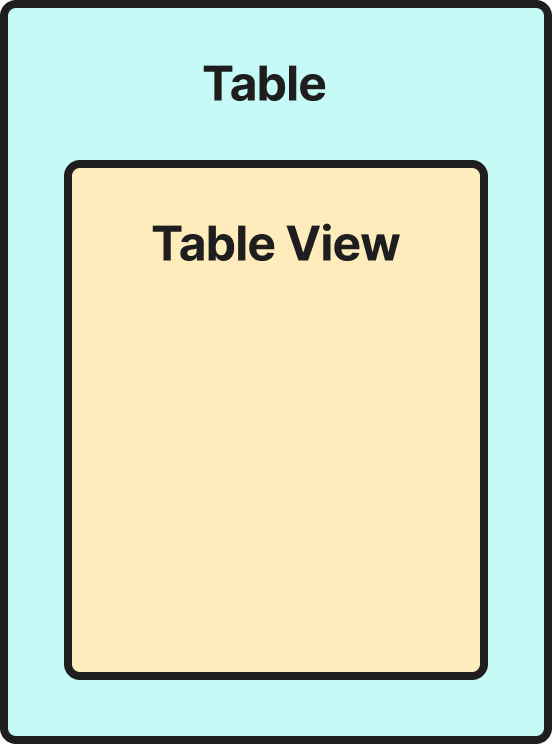
Table Views are slices of Tables. Adding a Table View, as its name suggests, creates a new view of the Table, allowing you to visualize and operate on it independently.
Within a Table View, you can:
Within a Table View, you can:
- Remove columns
- Add Columns
- Remove Rows
- Add Rows
- Filter Data
- Update Data
Any data changes made within a Table View are persisted to the main Table to ensure data consistency between views. Learn more about Data Management.